Why iPhone Videos Send Blurry (and How to Send Full Quality)
Your iPhone shot in 4K but the video arrives blurry. The culprit is MMS fallback and messenger compression, not your camera. Here is how to send the real file.
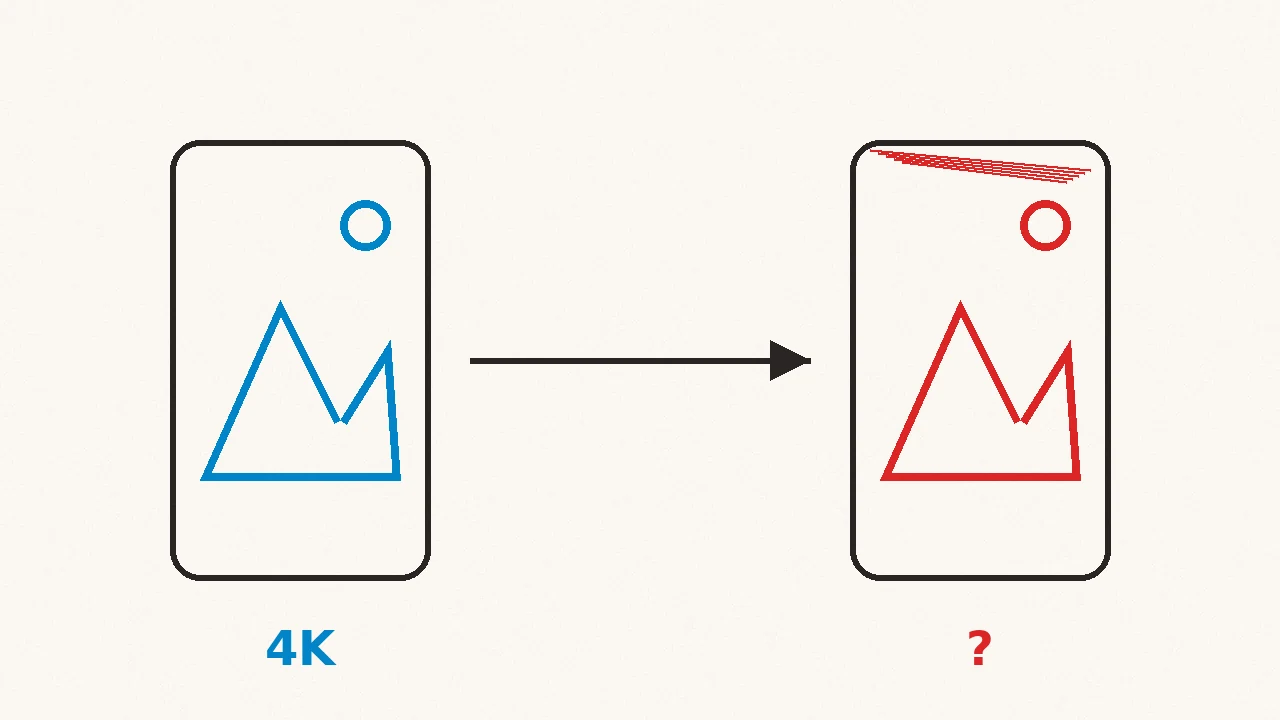
Your iPhone records in 4K. The clip looks incredible in your camera roll. You text it to a friend, and what arrives is a blurry, blocky mess that looks ten years old.
Your camera is fine. The delivery is the problem, and it is almost always one of three culprits.
Culprit 1: the MMS fallback
This is the big one, and it only affects iPhone-to-Android texting.
Between two iPhones, videos travel over iMessage, which uses data and keeps quality largely intact. When the conversation falls back to green bubbles, older setups route media through MMS: a carrier-era standard with limits around 1MB. Your 200MB clip gets crushed to fit, and 1MB of video is exactly as blurry as it sounds.
Since iOS 18, iPhones support RCS, the modern replacement, when both carriers and both phones have it enabled. RCS sends media over data at much better quality. Apple has a plain breakdown of iMessage, RCS, and MMS if you want the official version. The catch is that RCS only works when every link in the chain supports it. One older phone or unsupporting carrier, and you are back on MMS.
Quick check: blue bubble means iMessage, green means you might be on MMS. If the video matters, do not send it into a green bubble.
Culprit 2: messenger compression
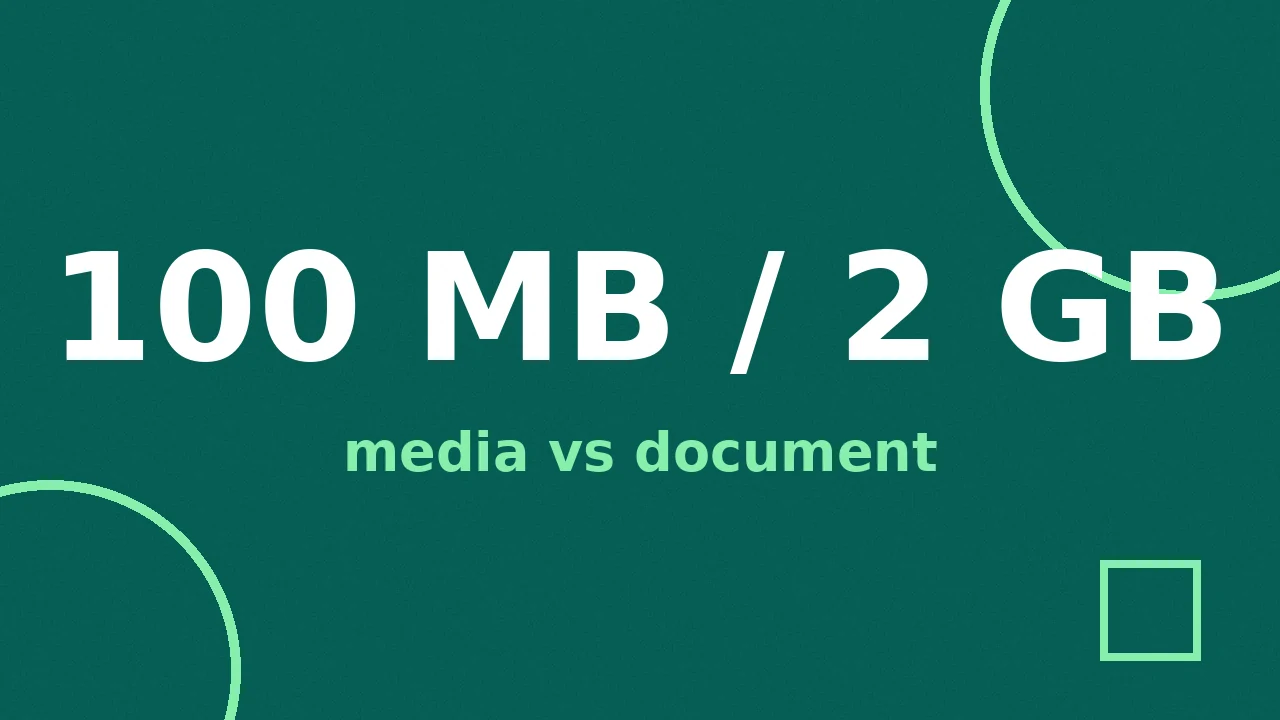
WhatsApp, Messenger, and Instagram all re-encode video so it loads fast in chat. The re-encode is aggressive: dark scenes turn blocky, fine detail smears, and text overlays get fuzzy first. WhatsApp at least keeps the file moving at a decent size, up to 100MB on fast connections (64MB on slower ones, 2GB as a document, per its help page), but the re-encode still decides how your video looks, not you.
The fix on WhatsApp is attaching the video as a document instead of from the gallery, which skips compression entirely. The full breakdown is in WhatsApp's video size limit.
Culprit 3: settings working against you
On your iPhone, check Settings, then Messages, and turn off Low Quality Image Mode if it is on. It exists to save data, and it does so by degrading what you send.
One more setting-shaped trap: if you shoot in 4K at 60fps, even iMessage and AirDrop-quality paths get tested. A 3-minute 4K60 clip is several GB. Nobody's messaging pipeline wants that file, and the fallback behaviors, compression, failure, silent downscaling, are where "it looked fine on my phone" comes from.
How do you actually send the full-quality file?
Pick by situation:
- iPhone to iPhone, physically together: AirDrop. Full quality, no internet involved, done in seconds.
- iPhone to anyone, remotely: share a link. iCloud link from the Photos share sheet, Google Photos, or Drive. The original file downloads intact on the other end.
- WhatsApp: attach as a document, not from the gallery.
- It must arrive as a playable message: compress it yourself first. A video you deliberately sized down keeps far more detail than one a messenger crushed blindly. Compress to an exact size lets you pick the target, and it runs in your browser so the original never leaves your device. For a regular habit of sending clips, the Compresso desktop app does whole folders offline on Mac and Windows.
Does it matter which app you send with?
Yes, more than which phone you have. The same video sent three ways from the same iPhone arrives at three different qualities: sharp as an iCloud link, decent as a WhatsApp document, wrecked as an MMS. When someone says "iPhones send blurry videos," what they are really describing is picking the worst available pipe without knowing it. The phone gives you better pipes. You just have to choose them on purpose.
Why does this keep happening in 2026?
Because messaging was designed for text and adapted for media, not the other way around. MMS dates from an era of 0.3-megapixel camera phones, and the carriers still running it have little reason to invest in it. Messengers could preserve originals, but re-encoding every video to one predictable size is what makes billions of clips load instantly on every connection. The trade-off is deliberate. Your quality is what pays for their speed.
One last check if videos still arrive blurry after all of this: send the same clip over AirDrop or a link. If it looks perfect there, nothing is wrong with your camera or your settings, and the fix is changing the pipe, not the phone.
The pattern underneath all of this: whoever compresses the video last decides how it looks. Send the file or a link and nothing gets compressed at all. Compress it yourself and you make the trade-off. Hand it to MMS or a messenger and the worst compressor wins.
Frequently asked questions
- Why do videos look blurry when I text them from my iPhone?
- When iMessage is not available, the iPhone falls back to MMS, which crushes video to a tiny carrier limit, often around 1MB. RCS support since iOS 18 helps, but only when both carriers and both phones support it.
- Do videos stay sharp between two iPhones?
- Usually yes. iMessage sends media over data instead of MMS and keeps quality largely intact, though very large videos may still be compressed or fail.
- How do I send a full-quality video from iPhone to Android?
- Send a link instead of a message: iCloud link, Google Photos, or Drive all preserve the original file. In WhatsApp, attach the video as a document to skip compression.
- Does Low Quality Image Mode affect videos I send?
- It is meant for images, but if your photos send small, check Settings, then Messages, and turn off Low Quality Image Mode. Videos are mainly affected by MMS fallback and messenger compression.