Gmail and Outlook Attachment Limits: How to Send a Video by Email
Gmail caps attachments at 25MB, Outlook.com at 25MB, desktop Outlook at 20MB. Here is what actually happens over the limit and the cleanest ways to send a video.
Email was built for documents, and its attachment limits still think a big file is a 5-page PDF. A 30-second phone video blows straight past them.
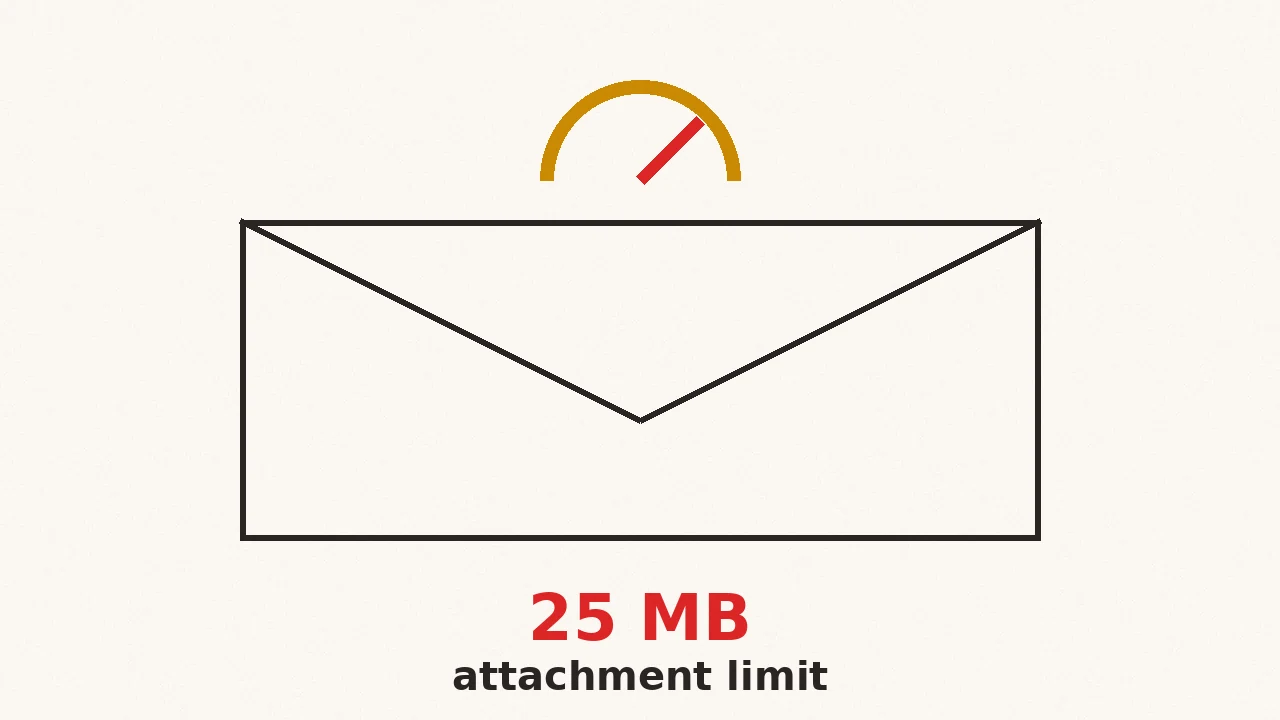
The short version: Gmail and Outlook.com both cap attachments at 25MB, and desktop Outlook at 20MB. The details matter, because what happens over the limit differs per service.
What are the attachment limits for Gmail and Outlook?
| Service | Attachment limit | Over the limit |
|---|---|---|
| Gmail (personal) | 25MB | Auto-converts to a Google Drive link |
| Outlook.com (free) | 25MB | Offers a OneDrive link |
| Outlook desktop (non-business) | 20MB | Blocks the send |
| Microsoft 365 (work) | 35MB default | Admin can raise it to 150MB |
Gmail's numbers come straight from its help page on attachments: 25MB to send, 50MB to receive, and anything bigger turns into a Drive link automatically. Microsoft publishes its own Outlook.com sending limits, and the business defaults live in Exchange, where the IT admin controls them.
Two traps hide inside these numbers:
Encoding overhead. Email attachments are MIME-encoded as text, which inflates them by about a third, and the limit counts the encoded size. A 20MB video can push a message over the 25MB line. Aim to keep the file comfortably under the limit, not at it.
The receiving side. Your recipient's mail server has its own cap, and it might be lower than yours. Plenty of corporate and older mail systems still reject anything over 10 to 20MB, and when they do, the bounce message lands in your inbox looking like you made a mistake.
Why does email still have such small limits?
Because email is a relay, not a file host. Your message gets accepted, stored, and forwarded by every server between you and the recipient, and each of them has to carry a full copy. A 100MB attachment is not one 100MB upload; it is 100MB on your provider's servers, on the recipient's provider, and in every mailbox it lands in, forever. Providers cap attachments so their storage does not become the world's free file locker.
That is also why the automatic cloud-link behavior exists. Gmail and Outlook would rather host the file once in Drive or OneDrive and send a pointer than move copies through the relay system.
How do you actually send the video?
Option 1: compress it under the limit. For short clips, this is the cleanest path. The recipient gets a normal attachment they can save, forward, and play without touching a cloud service. Compress a video for email targets the 25MB line with margin for the encoding overhead, and runs in your browser so the file never sits on a third-party server. That matters when the attachment is a client deliverable or anything confidential.
Option 2: let the mail service make a link. Gmail turns oversized attachments into Drive links and Outlook offers OneDrive automatically. This is fine for colleagues. It is clunky for everyone else: permissions prompts, links that expire, recipients who are not sure whether to click.
Option 3: share your own cloud link. Drive, Dropbox, or iCloud, pasted into the email. The most flexible option for long videos, and the only realistic one once you are past a few hundred MB.
The deciding question is simple: does the recipient expect a file or a link? A file they will save or forward: compress it. A video they will watch once: send a link.
Does zipping the video first help?
Almost never. Videos are already compressed data, so zipping an MP4 saves 1 to 3 percent, nowhere near enough to matter. The same goes for most phone photos. Zipping only earns its place when you are sending many small files as one attachment, not for shrinking a video. Shrinking a video means re-encoding it at a lower bitrate, which is what a compressor does and a zipper does not.
What about sending several videos?
Attach them one by one and the same limits apply to the whole message combined, not per file. Five 8MB videos are 40MB in one email, which is over everywhere. Either send them across a few emails, compress the set, or put the folder in cloud storage and share one link. If attaching big files is a daily thing, the Compresso desktop app compresses folders of videos offline on Mac and Windows, so every attachment leaves your machine already email-sized.
Chat apps have their own version of this problem, and their limits move more often than email's. Discord's file size limit has changed four times in three years.
Frequently asked questions
- What is the Gmail attachment size limit?
- 25MB for sending from a personal Gmail account. Over that, Gmail automatically uploads the file to Google Drive and sends a link instead. Gmail can receive attachments up to 50MB.
- What is the Outlook attachment size limit?
- 25MB for free Outlook.com accounts, 20MB for desktop Outlook with a non-business account, and 35MB by default for Microsoft 365 business mailboxes, which an admin can raise to 150MB.
- Why did my 20MB attachment bounce when the limit is 25MB?
- Email encodes attachments in a text format that inflates them by about a third, and the limit counts the encoded size plus the message itself. A 20MB file can push a message over 25MB once encoded.
- Is it better to compress a video or send a cloud link?
- Compress it when the recipient expects a real attachment they can save or forward. Use a cloud link when the video is long, the recipient is technical, or it is far beyond any email limit.