WhatsApp Video Size Limit: 100MB for Media, 2GB as a Document
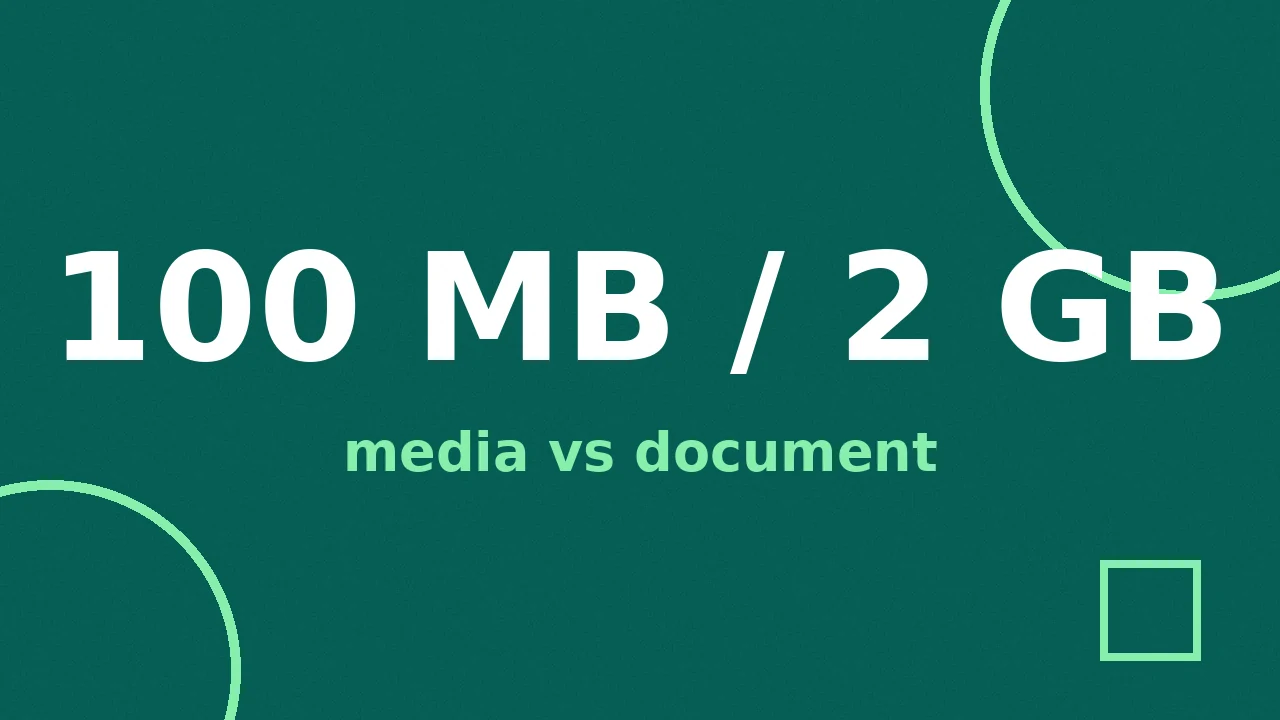
WhatsApp plays videos up to 100MB (64MB on slow connections) and carries files up to 2GB sent as documents. Here is what actually happens to your video, and how to keep it sharp.
You shot a beautiful video. Crisp, colorful, smooth. You send it on WhatsApp, and what arrives looks like it was filmed through a screen door.
That is not your phone. It is WhatsApp's compression, and there are two ways around it.
What is the WhatsApp video size limit?
There are two completely different limits, and which one applies depends on how you attach the file. WhatsApp's official help page spells them out:
| How you send | Limit | Quality |
|---|---|---|
| From the gallery, as normal media | 100MB (64MB on slower connections) | Compressed hard |
| As a document | 2GB | Untouched |
When you pick a video from your gallery, WhatsApp re-encodes it so it plays inline and loads fast in chat. On a fast connection it accepts videos up to 100MB and sends them at 720p; on a slow one the ceiling drops to 64MB and 480p. Either way the re-encode is aggressive, and fine detail, dark scenes, and text overlays suffer first.
When you attach the same video as a document, none of that happens. The file rides the 2GB document ceiling and arrives byte-for-byte as you sent it. The only cost: the recipient sees a file attachment instead of an inline preview, and taps once to download it.
Takeaway: for anything you care about, send it as a document. One extra tap, full quality.
You will see older guides quote a 16MB limit. That figure is years out of date and keeps getting copied from blog to blog. The numbers above come from WhatsApp's own help pages.
Why do WhatsApp videos look so bad?
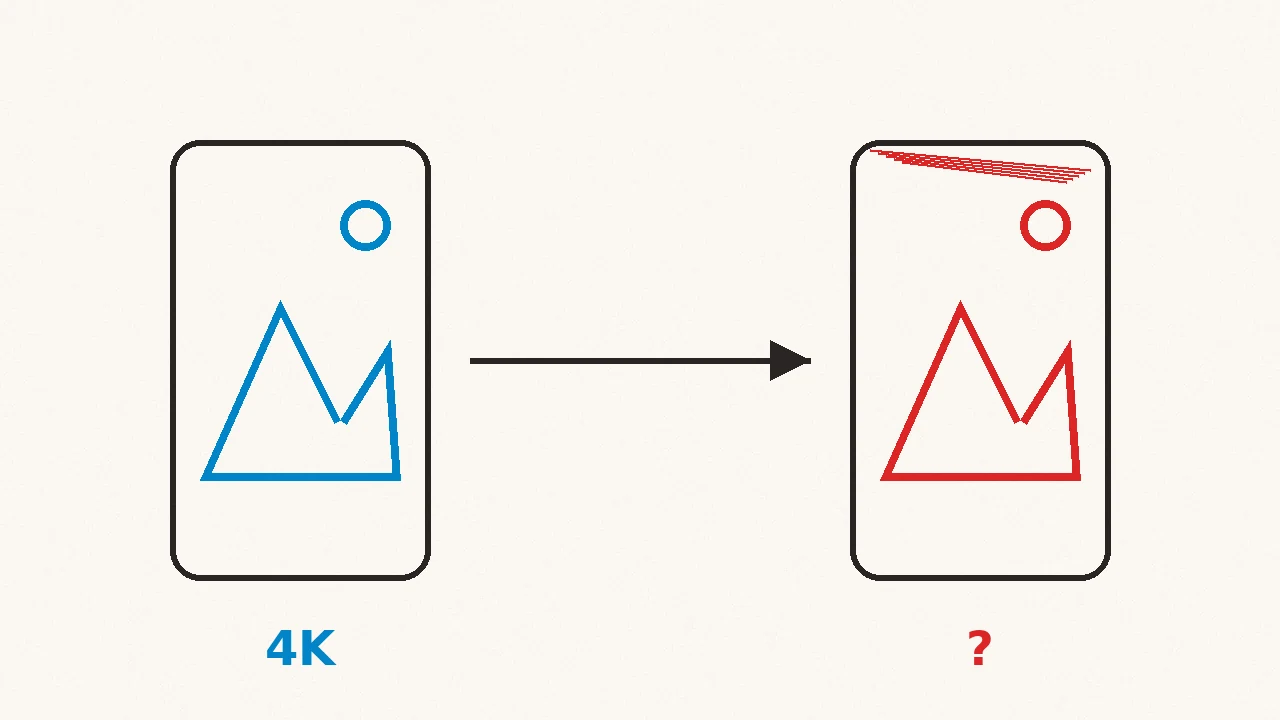
Because the re-encode prioritizes speed and storage over looks. WhatsApp is moving billions of videos a day, so every clip gets squeezed to a bitrate that loads instantly on any phone. The encoder does not know that your clip is a kid's first steps or a client's product shot. It treats both the same.
Three things get hit hardest:
- Dark scenes. Shadows turn into big blocky patches because the encoder spends its small budget on bright areas first.
- Fine detail. Hair, grass, fabric texture, and confetti all smear together.
- Text. Anything burned into the video, captions, overlays, memes, gets fuzzy edges first.
The same thing happens to photos. Sent from the gallery, a photo is resized to about 1600 pixels on the long edge and re-saved as a heavily compressed JPEG, so a 4MB original lands at roughly 200 to 400KB. That is why a sharp portrait looks fine in your gallery and mushy in the chat. The document trick works for photos too: attach the photo as a file and it arrives exactly as shot.
How do you send a full-quality video on WhatsApp?
Use the document option. In the chat, tap the attachment icon, choose Document instead of Gallery, and pick your video. That is the whole trick. The file goes up to 2GB with no re-encode, and the person on the other end downloads the exact file you sent.
Two small trade-offs to know about:
- No inline preview. The video shows up as a file card, not a playable thumbnail. The recipient taps it to download and play.
- It uses real data. A 500MB original sends as 500MB. On limited mobile data, compressing first still makes sense.
Status updates play by different rules: clips are limited to about 90 seconds each, and everything posted to Status is compressed. If your video is longer, trim it into segments before posting.
When should you compress the video yourself first?
Compress deliberately when small is the point: the other person is on a flaky connection, you are forwarding to a busy group where nobody will download a big document, or you just want the clip to send in seconds. A video you size down yourself keeps far more detail than one WhatsApp crushes blindly, because you control where the quality goes.
Compress a video for WhatsApp sizes the file for chat while keeping it watchable, and it runs in your browser: the video never leaves your device, which matters for family footage and work clips alike. For a batch of videos, the Compresso desktop app compresses whole folders offline on Mac and Windows.
If the blurriness you are fighting is in regular text messages rather than WhatsApp, the culprit is different. Why iPhone videos send blurry covers MMS fallback and the settings that sabotage quality there.
And for anything over 2GB, skip WhatsApp entirely: share a Google Drive, Dropbox, or iCloud link in the chat instead.
Frequently asked questions
- What is the WhatsApp video size limit?
- Videos sent the normal way, from your gallery, can be up to 100MB on fast connections and 64MB on slower ones. Videos sent as a document can be up to 2GB and arrive untouched.
- Why does WhatsApp ruin video quality?
- WhatsApp re-encodes media you send from the gallery so it plays inline and loads fast in chat. The re-encode is aggressive, so a sharp phone video comes out soft and blocky on the other end.
- How do I send a video on WhatsApp without losing quality?
- Attach it with the Document option instead of the gallery. WhatsApp skips compression for documents and allows files up to 2GB. The recipient taps once to download it.
- How long can a WhatsApp Status video be?
- Up to 90 seconds per clip on current versions of WhatsApp. Longer videos need to be trimmed into segments before posting to Status.